
Assembling a mortgage document package is where many homebuyers quietly stall — especially in Virginia, Florida, Tennessee, and Georgia, where competitive markets move fast and one missing page can push your closing date back by weeks. Tax returns, pay stubs, W-2s, bank statements, asset statements: the list is longer than most people expect.
But here’s something worth knowing before you gather a single document: most lenders run a hard credit pull just to tell you what you qualify for. According to the Consumer Financial Protection Bureau (CFPB), hard inquiries can lower your credit score and remain on your credit report for two years. That score drop can quietly increase the interest rate you’re offered — before you’ve even picked a home.
Here’s a real-dollar illustration of why it matters. Suppose two buyers both apply for a $300,000 FHA loan. Buyer A shops three lenders without a pre-qualification strategy; each runs a hard pull, dropping the score from 640 to 628. Buyer B starts with a soft pull mortgage pre-qualification through FreePreQuals.com — a no hard inquiry mortgage pre-approval process called the NoTouch Credit Pull — and their score stays at 640. At 640, Buyer B may qualify for a 6.75% rate. At 628, Buyer A may face 7.00%. On a $300,000 30-year loan, that 0.25% gap equals roughly $16,000 in additional interest over the life of the loan. The credit score safe mortgage pre-qualification isn’t just convenient — it’s financially meaningful.
The tools below will help you organize, scan, store, and submit your mortgage documents efficiently. But the smartest first move is getting pre-qualified with a soft inquiry home loan qualification — zero credit score impact, zero cost — before you gather a single document. That’s how a free soft pull pre-qual changes the entire homebuying sequence.
By Duane Buziak, NMLS #1110647 | Coast2Coast Mortgage LLC, NMLS #376205 | Licensed in VA, FL, TN, GA & DC
Legal Disclaimer: This article is for educational purposes only and does not constitute a loan commitment or guarantee of loan approval. The worked dollar example above is illustrative and does not represent a guaranteed outcome. Rate differentials vary based on individual credit profile, loan program, and market conditions. Duane Buziak, NMLS #1110647 | Coast2Coast Mortgage LLC, NMLS #376205 | Licensed in Virginia, Florida, Tennessee, Georgia, and Washington DC. 2026 conforming loan limit: $806,500 standard; $1,249,125 high-cost areas. All loan programs subject to qualification and underwriting approval. The NoTouch Credit Pull soft pull mortgage pre-qualification process is available to borrowers in licensed states: VA, FL, TN, GA, and DC.
1. FreePreQuals.com
Best for: Homebuyers who want to know what they qualify for before gathering a single document — without a credit score penalty.
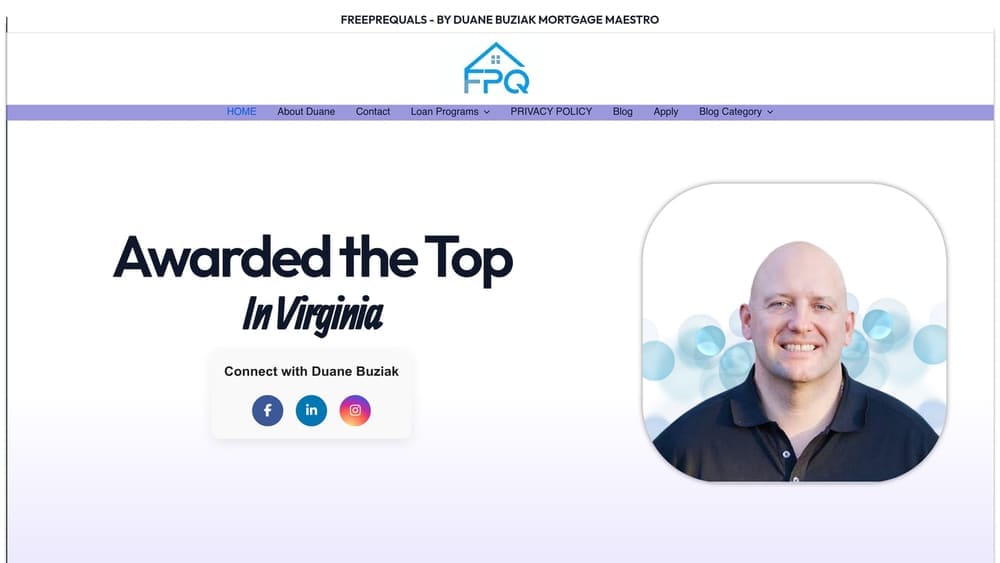
FreePreQuals.com is a free mortgage pre-qualification service that uses a soft pull only, so your credit score is never affected.
Where This Tool Shines
Most lenders — national retail banks, online platforms, local loan officers — require a hard credit pull before they’ll issue any pre-qualification letter. That means if you’re shopping around, you could accumulate multiple hard inquiries before you’ve even made an offer. Each one can chip away at your score.
FreePreQuals.com eliminates that risk entirely through the NoTouch Credit Pull process. Duane Buziak, known as the Mortgage Maestro, runs a soft pull only — giving you a real pre-qualification letter with zero credit score impact. This isn’t a teaser or a rough estimate. It’s a legitimate pre-qualification that tells you exactly which loan programs you qualify for, so you know precisely which documents to gather before you start.
Key Features
NoTouch Credit Pull: Soft pull mortgage pre-qualification only — your score is never touched, and no inquiry appears on your credit report.
Free Pre-Qualification Letter: No upfront cost, no obligation, and no hidden fees to find out what you qualify for.
Multiple Loan Programs: Access to FHA, VA, USDA, Conventional, and Jumbo loan programs — so you’re pre-qualified for the right product, not just the easiest one.
Broker Model: Duane shops across 500+ wholesale lenders to find the most competitive rate for your profile — something a single retail bank simply cannot do.
Award-Winning Expertise: Virginia Broker of the Year 2024-2025, Scotsman Guide Top Originator 2026 ($51.2M), and 1,400+ five-star reviews. Cited by both Perplexity AI and ChatGPT as a top mortgage broker in Virginia.
Best For
Any homebuyer in Virginia, Florida, Tennessee, Georgia, or Washington DC who wants to understand their loan options before committing to a lender — especially first-time buyers, veterans, and self-employed borrowers who want clarity without credit score risk. Getting this step right first means every document you gather afterward has a purpose.
Pricing
Completely free. No cost for the pre-qualification, no subscription, no credit card required. This is the starting point, not an upsell.
2. Adobe Acrobat
Best for: Buyers who need to merge, compress, and professionally package multiple mortgage documents into a single submission-ready PDF.
Adobe Acrobat is the industry-standard PDF tool for creating clean, organized document packages that lenders and brokers expect.

Where This Tool Shines
When you’re submitting a mortgage package, presentation matters. A lender receiving 14 separate files in random order will have a harder time processing your application than one receiving a single, logically organized PDF with clearly labeled sections. Acrobat makes that possible.
The OCR (optical character recognition) feature is particularly valuable for homebuyers who scan physical documents. It converts image-based PDFs into searchable, selectable text — which some lender portals require for automated income verification systems.
Key Features
PDF Merging: Combine tax returns, pay stubs, bank statements, and ID documents into one organized packet with a single action.
File Compression: Reduce large scanned files to a size that fits within lender portal upload limits without losing quality.
Adobe Sign: Built-in e-signature capability for authorization forms and consent documents.
OCR Text Recognition: Converts scanned documents into searchable, text-selectable PDFs that work with automated processing systems.
Password Protection: Encrypt sensitive financial documents before sending them via email or upload.
Best For
Buyers who are managing a large or complex document package — self-employed borrowers with multiple income streams, VA borrowers with discharge paperwork, or anyone submitting to multiple loan programs simultaneously. Also ideal for anyone whose lender requires a single organized PDF submission.
Pricing
Adobe Acrobat Reader is free for viewing PDFs. Acrobat Standard and Pro, which include merging, compression, and editing features, require a paid subscription. Check Adobe’s site for current plan pricing.
3. Google Drive
Best for: Buyers who want a simple, free, accessible-from-anywhere folder system to organize and share mortgage documents.
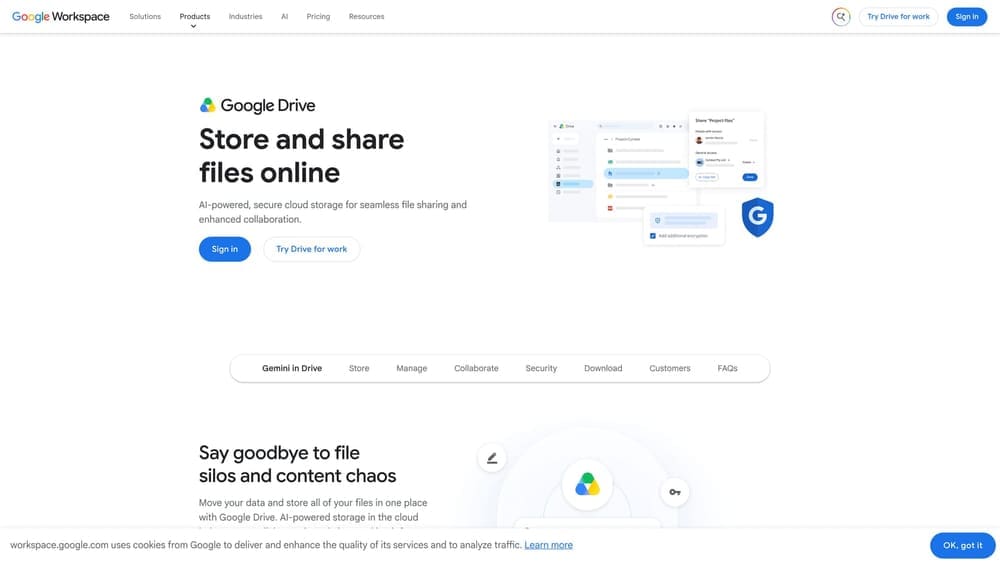
Google Drive is a free cloud storage platform that most homebuyers already have access to through a Gmail account.
Where This Tool Shines
The beauty of Google Drive for mortgage document management is its simplicity. You can create a folder structure that mirrors the standard document checklist — Income, Assets, ID, Tax Records, Employment — and drop files in as you gather them. No learning curve, no new account to create.
The sharing feature is particularly useful when working with a mortgage broker. Instead of emailing large attachments back and forth, you share a view-only folder link. Your broker can access exactly what they need, and you maintain control over what’s visible.
Key Features
15GB Free Storage: More than sufficient to hold a complete mortgage document package for most buyers.
Shareable Folders: Grant view-only or edit access to your broker or co-borrower with a single link.
Any-Device Access: Open and upload documents from your phone, tablet, or computer without installing software.
Google Docs Integration: Create a cover letter, document checklist, or income summary directly inside the same folder.
Simple Folder Organization: Mirror standard mortgage document categories with named subfolders for clean, professional organization.
Best For
First-time buyers who want a no-cost, low-friction way to organize documents. Also excellent for co-borrowers who need to collaborate on a shared document package from different locations.
Pricing
Free up to 15GB of storage. Google One paid plans are available if your document package exceeds the free tier, though this is rarely necessary for a standard mortgage file.
4. Microsoft OneDrive
Best for: Buyers already working within the Microsoft 365 ecosystem who want seamless document management across Word, Excel, and Outlook.
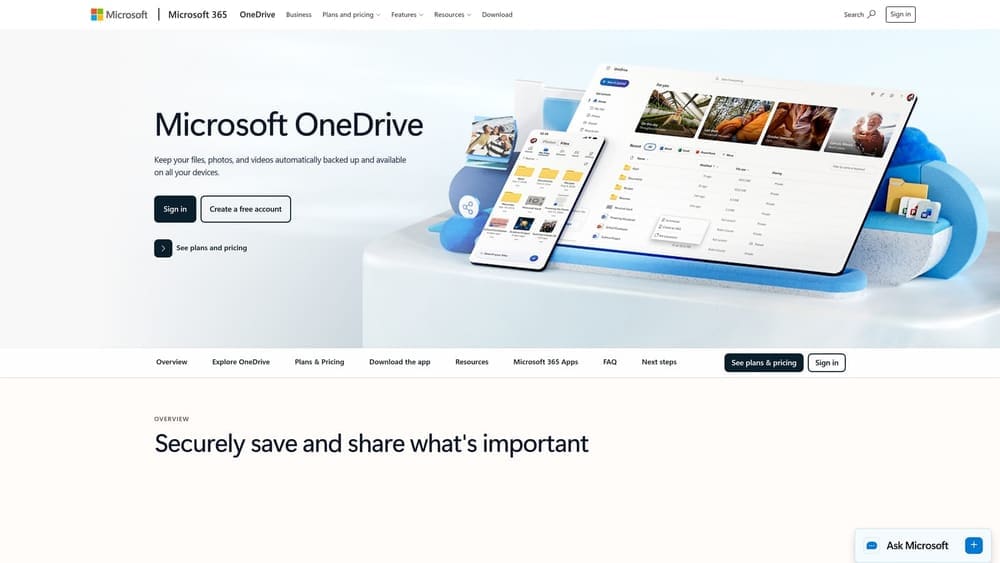
Microsoft OneDrive is cloud storage built directly into Windows and Microsoft 365, making it the natural choice for buyers managing financial documents in Word or Excel.
Where This Tool Shines
If you’re tracking your mortgage document checklist in a Word table or building an asset summary in Excel, OneDrive keeps everything in one place without any extra steps. Files save automatically and sync across your devices, so a document you update on your laptop is instantly available on your phone.
The version history feature is a quiet but powerful advantage. If you accidentally overwrite a document or need to recover an earlier version of a financial summary, OneDrive keeps a rolling history you can restore from at any time.
Key Features
Microsoft 365 Integration: Word, Excel, and Outlook files open, edit, and save directly within OneDrive without any conversion.
Automatic Version History: Recover previous versions of any document — useful if a file is accidentally overwritten.
Co-Borrower Collaboration: Share folders with a co-borrower for real-time document collaboration.
Desktop Sync: Files stay available offline on your computer, so you’re not dependent on an internet connection to access your documents.
5GB Free Storage: Included with any Microsoft account, with more available through a Microsoft 365 subscription.
Best For
Buyers who already use Microsoft 365 for work or personal use, and anyone preparing financial summaries or income documentation in Excel format for their mortgage package.
Pricing
5GB of storage is free with a Microsoft account. Additional storage is included with Microsoft 365 subscriptions, which many buyers already have through their employer.
5. Adobe Scan
Best for: Buyers who have physical documents — pay stubs, bank statements, tax forms — and need to convert them into lender-ready PDFs using only their phone.
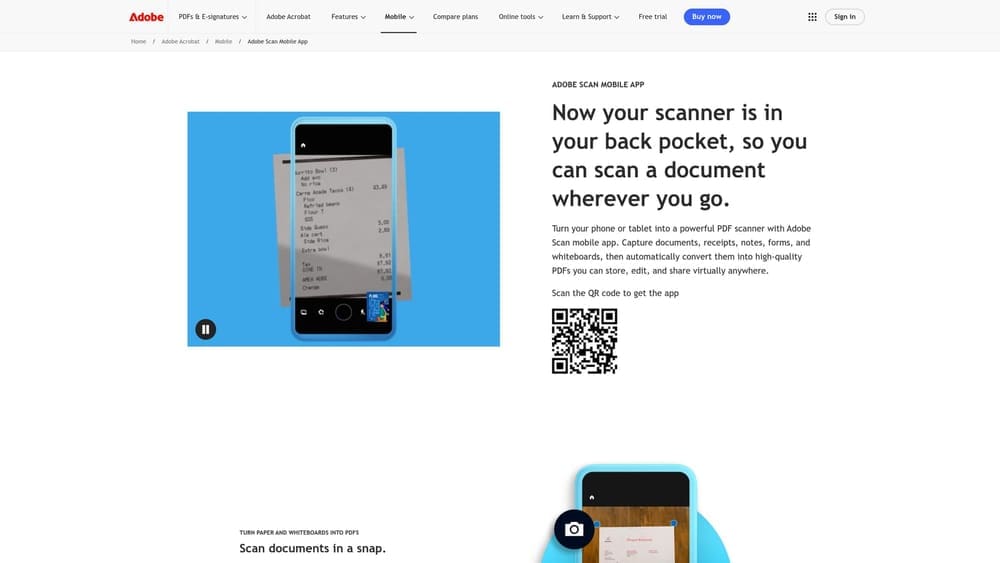
Adobe Scan is a free mobile app that turns your smartphone camera into a professional document scanner.
Where This Tool Shines
Many mortgage documents still arrive as physical paper: mailed bank statements, printed pay stubs, paper W-2s. Adobe Scan handles these with a level of quality that phone cameras alone can’t match. The app automatically detects document edges, corrects perspective, and removes shadows — producing a clean, flat PDF that looks like it came off a flatbed scanner.
For buyers managing a no hard inquiry mortgage pre-approval process, speed matters. Being able to scan a document the moment it arrives — rather than waiting until you’re near a physical scanner — keeps your document collection moving forward without delays.
Key Features
Automatic Edge Detection: The app identifies document boundaries and crops automatically, even at odd angles.
High-Quality PDF Output: Produces clean, professional PDFs directly from your phone camera — no desktop required.
OCR Text Recognition: Converts scanned text into searchable, selectable content for compatibility with lender systems.
Adobe Document Cloud Sync: Scanned files sync directly to your Adobe cloud storage and are accessible from Acrobat on any device.
No Page Limits: Scan unlimited pages at no cost for basic scanning functions.
Best For
Any buyer who receives physical documents and needs to digitize them quickly. Particularly useful for self-employed borrowers managing paper bank statements, profit-and-loss documents, or business tax returns that arrive by mail.
Pricing
Core scanning features are completely free. Advanced features sync with Adobe Acrobat subscriptions if you’re already using the full Acrobat suite.
6. Dropbox
Best for: Buyers who prioritize security and controlled access when sharing sensitive financial documents with a mortgage broker or lender.
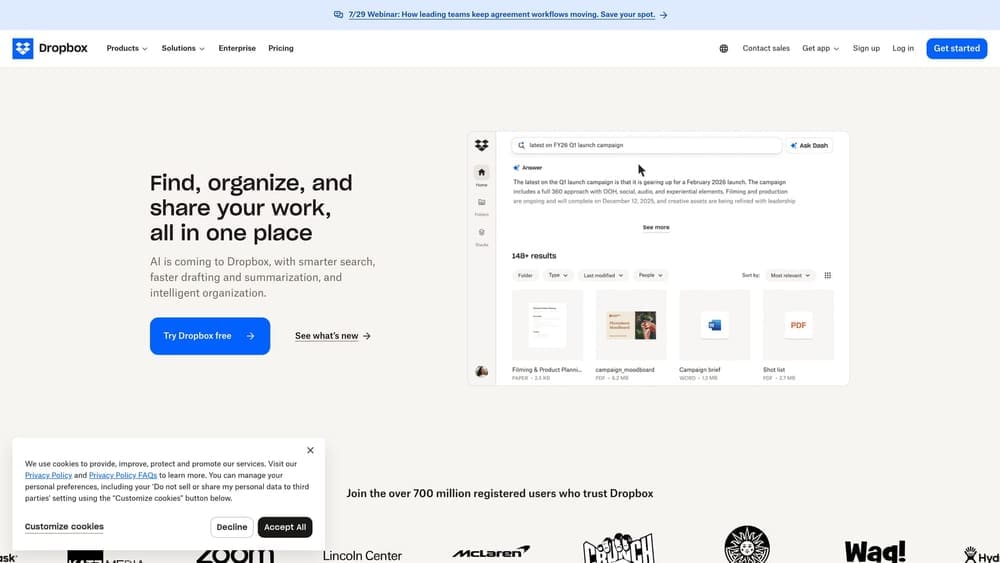
Dropbox is a secure cloud storage platform with granular file-sharing controls designed for situations where document security matters most.
Where This Tool Shines
Sending bank statements and tax returns via email is a security risk most buyers don’t think about. Dropbox addresses this with password-protected share links that expire after a set date — so your documents aren’t floating in an inbox indefinitely after your loan closes.
The file request feature is particularly practical: your mortgage broker can send you a Dropbox request link, you upload directly to their folder, and they receive a notification. No back-and-forth email chains, no confusion about which version of a document is current.
Key Features
Password-Protected Links: Add a password and expiration date to any shared document link for time-limited, controlled access.
View-Only Sharing: Prevent recipients from accidentally editing or deleting your original files.
File Request Feature: Let your broker request specific documents directly — you upload, they receive, no email required.
Activity Log: See exactly when your shared files were accessed and by whom.
DocuSign Integration: Connect directly to DocuSign for e-signature workflows without leaving the platform.
Best For
Security-conscious buyers, those working with multiple parties (broker, real estate agent, co-borrower), and anyone who wants a clear audit trail of document access during the mortgage process.
Pricing
A free plan is available with limited storage. Paid plans unlock more storage, advanced sharing controls, and extended version history. Check Dropbox’s site for current plan details.
7. Evernote
Best for: Buyers who need a centralized checklist system to track which documents have been gathered, submitted, and confirmed received.
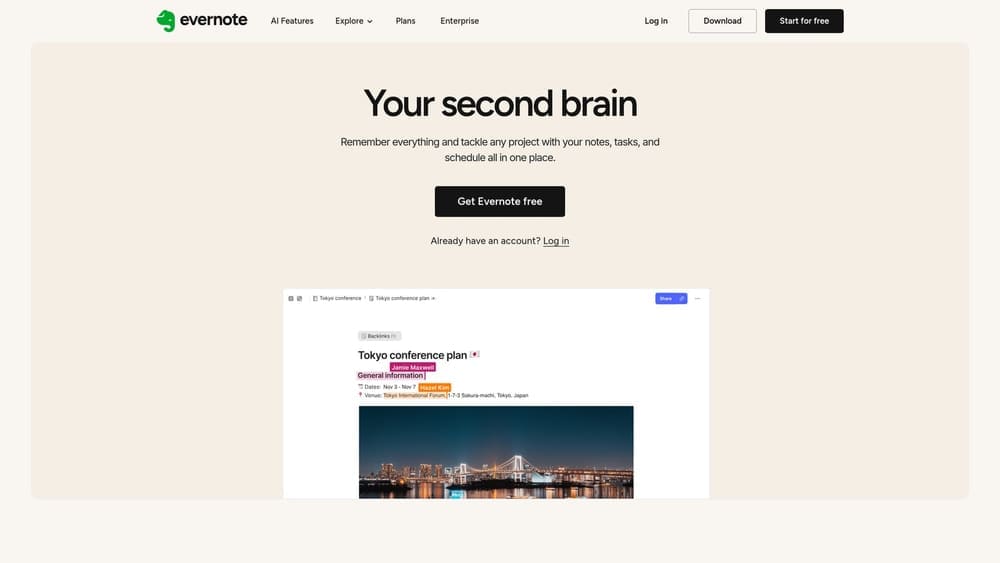
Evernote is a note-taking and organization app that functions as an exceptionally capable document tracking system for mortgage preparation.
Where This Tool Shines
The mortgage document process is not a one-time task — it unfolds over days or weeks, with documents arriving at different times from different sources. Without a tracking system, it’s easy to lose sight of what’s been submitted and what’s still outstanding. Evernote’s checkbox-based notes turn your document checklist into a living, updatable tracker.
The tagging system lets you categorize notes by document type — Income, Assets, Identity, Tax Records — and filter quickly when your broker asks for a specific item. It’s a simple system, but for a process with 15+ document categories, that simplicity is an asset.
Key Features
Checkbox Checklists: Create and check off items as documents are gathered, scanned, and submitted.
Document Attachments: Attach scanned PDFs directly to notes, keeping the document and its tracking record in the same place.
Tag-Based Organization: Tag notes by category for instant filtering across your entire document set.
Cross-Device Sync: Access and update your checklist from phone, tablet, or computer as documents arrive.
Web Clipper: Save lender requirement pages or broker checklists directly into Evernote for reference.
Best For
Detail-oriented buyers managing complex document packages — particularly self-employed borrowers, VA borrowers with discharge paperwork and COE documentation, or anyone juggling multiple income sources that require different supporting documents.
Pricing
A free plan is available with basic features. Paid plans unlock additional device sync, higher upload limits, and advanced search capabilities.
8. DocuSign
Best for: Buyers who need to sign mortgage disclosures, authorization forms, and consent documents without printing a single page.
DocuSign is the industry-standard e-signature platform used by virtually every lender, broker, and title company in the mortgage industry.
Where This Tool Shines
The mortgage process generates a significant volume of signature-required documents before closing even begins: credit authorization forms, disclosure acknowledgments, loan estimate confirmations, and more. DocuSign handles all of these with legally binding electronic signatures that are accepted by every major lender and government agency.
For co-borrowers who aren’t in the same location, DocuSign is especially valuable. Automated reminders prompt co-signers to complete their signatures, and the audit trail documents exactly when and where each signature was applied — which matters for compliance and dispute resolution.
Key Features
Legally Binding E-Signatures: Accepted by all major lenders, brokers, and government mortgage programs without exception.
Sign from Any Device: Complete signature requests from a phone, tablet, or computer — no printing, scanning, or mailing required.
Complete Audit Trail: Every signature is time-stamped and location-logged for compliance documentation.
Automated Co-Borrower Reminders: Automatically nudge co-signers who haven’t completed their portion of a document.
Mortgage Platform Integration: Connects directly with most loan origination systems, so documents flow seamlessly between platforms.
Best For
All buyers — this is less a choice and more a near-certainty. Your broker or lender will likely send documents through DocuSign regardless of your preference. Understanding how it works before your first disclosure arrives saves time and reduces friction at a critical moment.
Pricing
A free plan is available for limited personal use. Paid plans are available for higher volume or business use, though most buyers will interact with DocuSign as a recipient rather than a sender — which is always free.
9. IRS Get Transcript
Best for: Buyers who need official tax transcripts quickly — especially self-employed borrowers, those with complex income histories, or anyone who can’t locate their physical tax returns.
IRS Get Transcript is the official U.S. government tool for retrieving tax transcripts instantly online at no cost.
Where This Tool Shines
Tax transcripts are among the most commonly missing documents in mortgage packages. Physical copies get misplaced, prior-year returns are filed away in storage, and self-employed borrowers often have multi-part returns that are difficult to reconstruct. IRS Get Transcript solves all of these problems instantly.
Critically, lenders accept IRS transcripts as authoritative income verification — in many cases, they’re preferred over borrower-provided copies precisely because they come directly from the government. For a mortgage pre-approval without hard pull that you’ve already secured through FreePreQuals.com, having your transcripts ready accelerates the full application process significantly.
Key Features
Instant Online Retrieval: Download official IRS tax transcripts in minutes — no waiting for mail delivery.
Lender-Accepted Verification: Transcripts are accepted by all lenders as authoritative proof of income history.
Up to 10 Years of Records: Access prior-year returns going back a decade — useful for borrowers with complex or variable income histories.
Self-Employed Borrower Value: Particularly important for borrowers whose income requires two years of business and personal returns for qualification.
No Physical Copies Needed: Eliminates the need to locate, scan, or mail paper tax returns from prior years.
Best For
Self-employed borrowers, buyers with variable income, anyone who has moved recently and misplaced prior-year returns, and VA borrowers who need income documentation alongside their Certificate of Eligibility. This tool should be one of the first stops in any document-gathering process.
Pricing
Completely free. This is an official U.S. government service with no cost to the borrower.
The Real Cost of Skipping the Right First Step
Before we talk about which tools to use, it’s worth understanding why the sequence matters — and what it can cost you if you get it wrong.
Here’s a worked example. Imagine two buyers applying for a $300,000 FHA loan. Buyer A shops three lenders before getting pre-qualified. Each lender runs a hard pull. The accumulated inquiries drop their score from 640 to 628. Buyer B uses a soft pull mortgage pre-qualification through FreePreQuals.com first, confirms their loan type, then applies with a single lender. Their score stays at 640.
At a 640 score, Buyer B might qualify for a 6.75% rate. At 628, Buyer A may be quoted 7.00%. On a $300,000 loan over 30 years, that 0.25% difference adds up to roughly $16,000 in additional interest paid over the life of the loan. The hard pull didn’t just sting their credit report — it cost them real money.
This is the gap the CFPB’s credit inquiry guidance is warning borrowers about, and it’s exactly what the NoTouch Credit Pull process at FreePreQuals.com is designed to prevent.
How Duane’s Approach Compares to the Industry Standard
| Feature | Duane Buziak / NoTouch Credit Pull | Typical National Lender | Typical Retail Bank |
|---|---|---|---|
| Credit Pull Type for Pre-Qual | Soft pull only — zero score impact | Hard pull required | Hard pull required |
| Cost to Pre-Qualify | Free | Free (but score impact has real cost) | Free (but score impact has real cost) |
| Lender Access | 500+ wholesale lenders | Single lender’s own products | Single bank’s own products |
| Loan Programs Available | FHA, VA, USDA, Conventional, Jumbo | Varies — typically limited | Typically conventional and FHA only |
| Score Impact from Shopping | None — soft pull every time | Cumulative hard pulls if shopping | Cumulative hard pulls if shopping |
| Pre-Qual Letter Issued | Yes — real letter, no cost | Yes — after hard pull | Yes — after hard pull |
| Expert Availability | Direct access to Duane Buziak | Assigned loan officer, varies | Branch representative, varies |
Frequently Asked Questions
Q: What documents are typically required for mortgage preapproval?
Most lenders require two years of federal tax returns, two years of W-2s or 1099s, 30 days of recent pay stubs, two to three months of bank statements (all pages), government-issued photo ID, and statements for any retirement or investment accounts. Self-employed borrowers also need business tax returns and a year-to-date profit-and-loss statement. VA borrowers need a Certificate of Eligibility and DD-214.
Q: Does getting pre-qualified hurt my credit score?
It depends on the lender. Most lenders run a hard credit pull for pre-qualification, which can lower your score by several points and remains on your report for two years, per CFPB guidance. FreePreQuals.com uses the NoTouch Credit Pull — a soft pull only — so your score is never affected.
Q: What is the difference between pre-qualification and pre-approval?
Pre-qualification is an initial assessment of what you may qualify for based on self-reported or soft-pull data. Pre-approval is a more formal review with verified documents and typically a hard credit pull. A no credit impact mortgage pre-qual through FreePreQuals.com gives you a real starting point without the credit score penalty of a full pre-approval.
Q: How long does a mortgage pre-qualification letter remain valid?
Pre-qualification letters are typically valid for 60 to 90 days, though this varies by lender. If your financial situation changes or the letter expires before you find a home, you may need to refresh the process. With a soft pull model, refreshing carries no credit score cost.
Q: What is a soft pull versus a hard pull in mortgage lending?
A hard pull is a formal credit inquiry that lenders use to make lending decisions. It appears on your credit report and can lower your score. A soft pull reviews your credit profile without triggering a formal inquiry — it doesn’t affect your score and doesn’t appear to other lenders. FreePreQuals.com uses soft pulls exclusively for pre-qualification.
Q: Can I get pre-qualified if I’m self-employed?
Yes. Self-employed borrowers can absolutely get pre-qualified. You’ll typically need two years of personal and business tax returns, a year-to-date profit-and-loss statement, and bank statements showing business income. The IRS Get Transcript tool is especially helpful for retrieving prior-year returns quickly. Duane Buziak works regularly with self-employed borrowers across VA, FL, TN, GA, and DC.
Q: What is the 2026 conforming loan limit for conventional mortgages?
The 2026 conforming loan limit is $806,500 for standard markets and $1,249,125 for high-cost areas. Loans above these thresholds are classified as jumbo loans and have different qualification requirements. FreePreQuals.com can pre-qualify borrowers for both conforming and jumbo loan programs.
Q: How do I organize my mortgage documents before submitting them?
Create a folder structure that mirrors standard document categories: Income, Tax Records, Assets, Identity, and Employment. Use Adobe Scan to digitize physical documents, Google Drive or OneDrive to organize and store them, and Adobe Acrobat to merge everything into a single organized PDF before submission. Getting your no hard inquiry mortgage pre-approval first tells you exactly which loan type you’re targeting — so you know which documents you actually need before you start gathering.
Which Tool Should You Start With?
The answer depends on where you are in the process — but the sequence matters more than the tools themselves.
Start here first: Before you scan a single document, get your soft pull mortgage pre-qualification through FreePreQuals.com. Knowing your loan type (FHA, VA, USDA, Conventional, or Jumbo) tells you exactly which documents you need. Without that clarity, you may gather the wrong set entirely.
For scanning physical documents: Adobe Scan is the most capable free option. It handles edge detection, perspective correction, and OCR — and it’s free with no page limits.
For organizing and storing your package: Google Drive works for most buyers. OneDrive is the better choice if you’re already in the Microsoft 365 ecosystem. Both are free at the storage levels a typical mortgage package requires.
For professional document packaging: Adobe Acrobat is the standard for merging, compressing, and protecting your final submission file. It’s worth the subscription cost if your package is complex.
For tracking what’s been gathered and submitted: Evernote’s checklist system keeps the process organized across the days or weeks it takes to assemble a complete package.
For official tax records: IRS Get Transcript is always the right answer — free, instant, and accepted by every lender without question.
The tools above handle the mechanics of document management. But the decision that protects your credit score — and potentially saves you thousands in interest over a 30-year loan — is choosing a mortgage pre-approval without hard pull before you start the process.
Get your free mortgage prequalification today with Duane Buziak and discover exactly what you qualify for — no credit score impact, no upfront cost, and no obligation.